



チュートリアル
Bare 製品の適切な使用方法を学ぶ
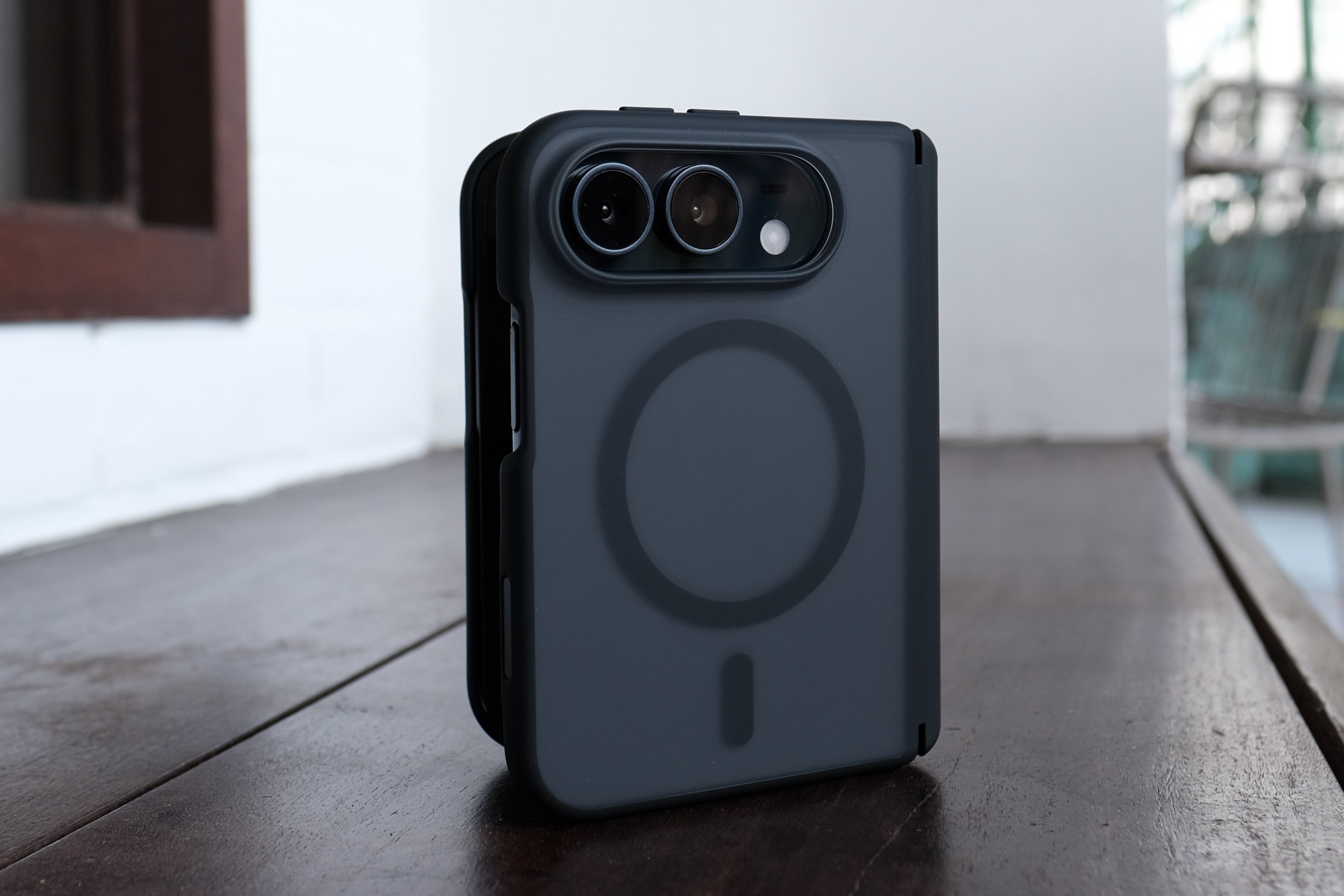
iPhone Duo Cases
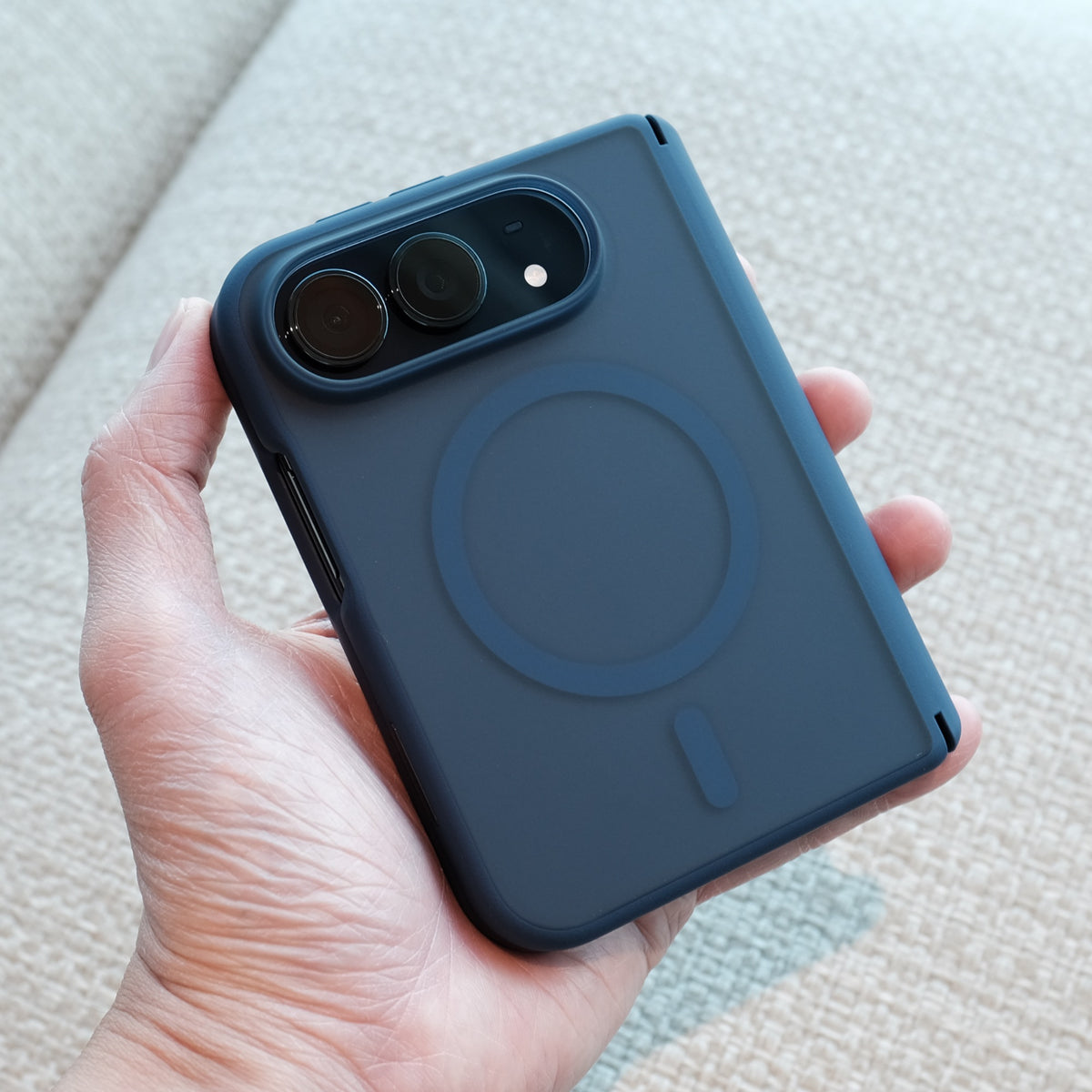
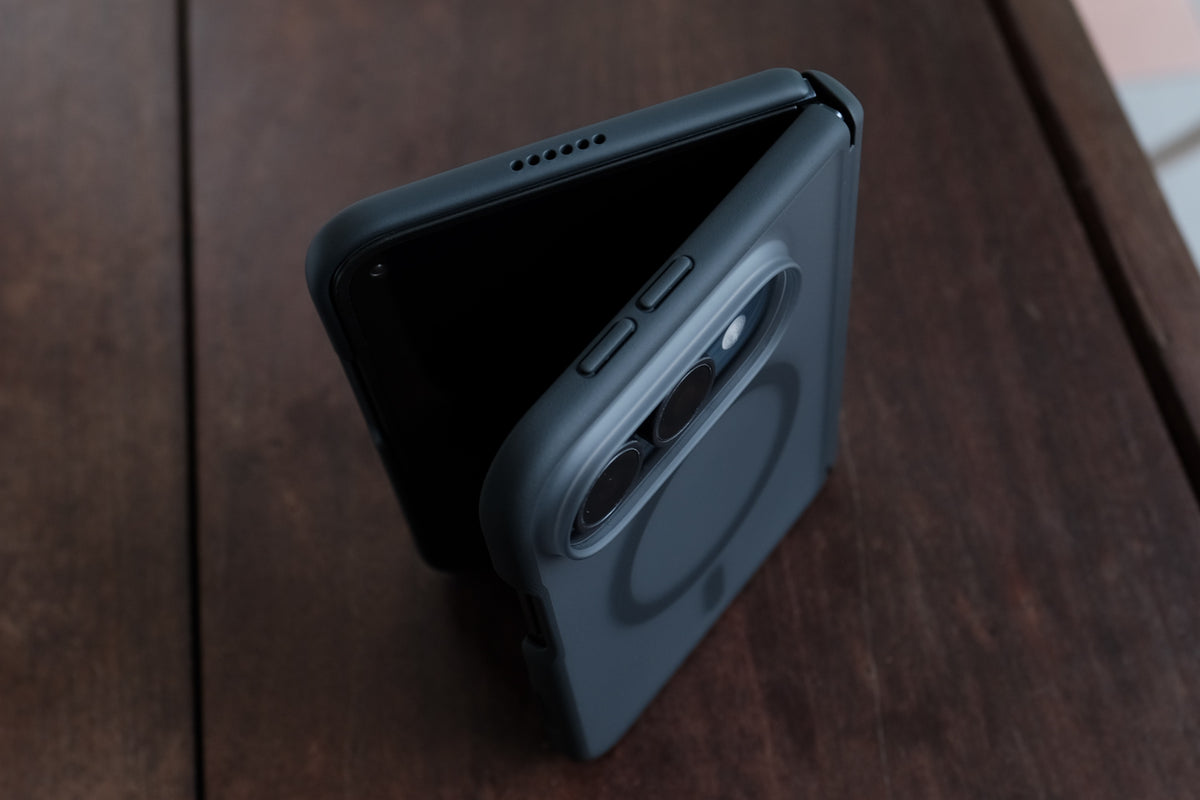
Bare Armour for iPhone Duo:
1. Clean your iPhone Duo's frame with a microfibre cloth.
2. Peel adhesive backings from front frame of Bare Armour.
3. Put on front frame of Bare Armour on front of iPhone Duo, then press firmly.
4. Snap on the main section of Bare Armour onto iPhone Duo by sliding the volume button side of iPhone Duo into the case first.
Bare Naked for iPhone Duo:
1. Clean your iPhone Duo's frame with a microfibre cloth.
2. Snap on the rear shell of Bare Naked onto the rear of iPhone Duo.
3. Snap on the front frame of Bare Naked onto the front of iPhone Duo.
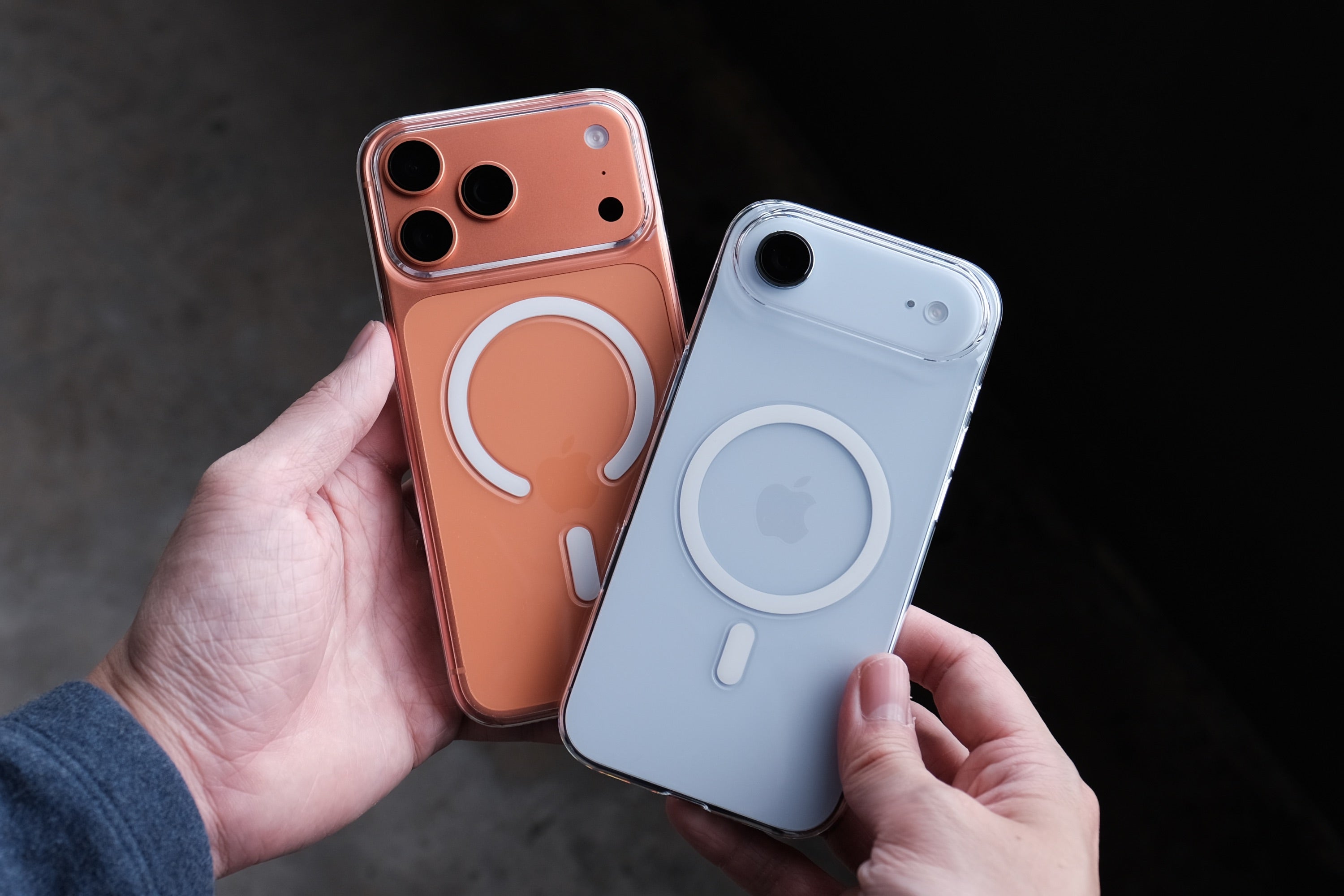
Bare Pane Installation for iPhone:
As we improve the installation process for our Bare Pane Screen Protectors, the install process mat vary a bit depending on which alignment tray you receive.
Please follow the instructions in the video that matches your alignment tray:
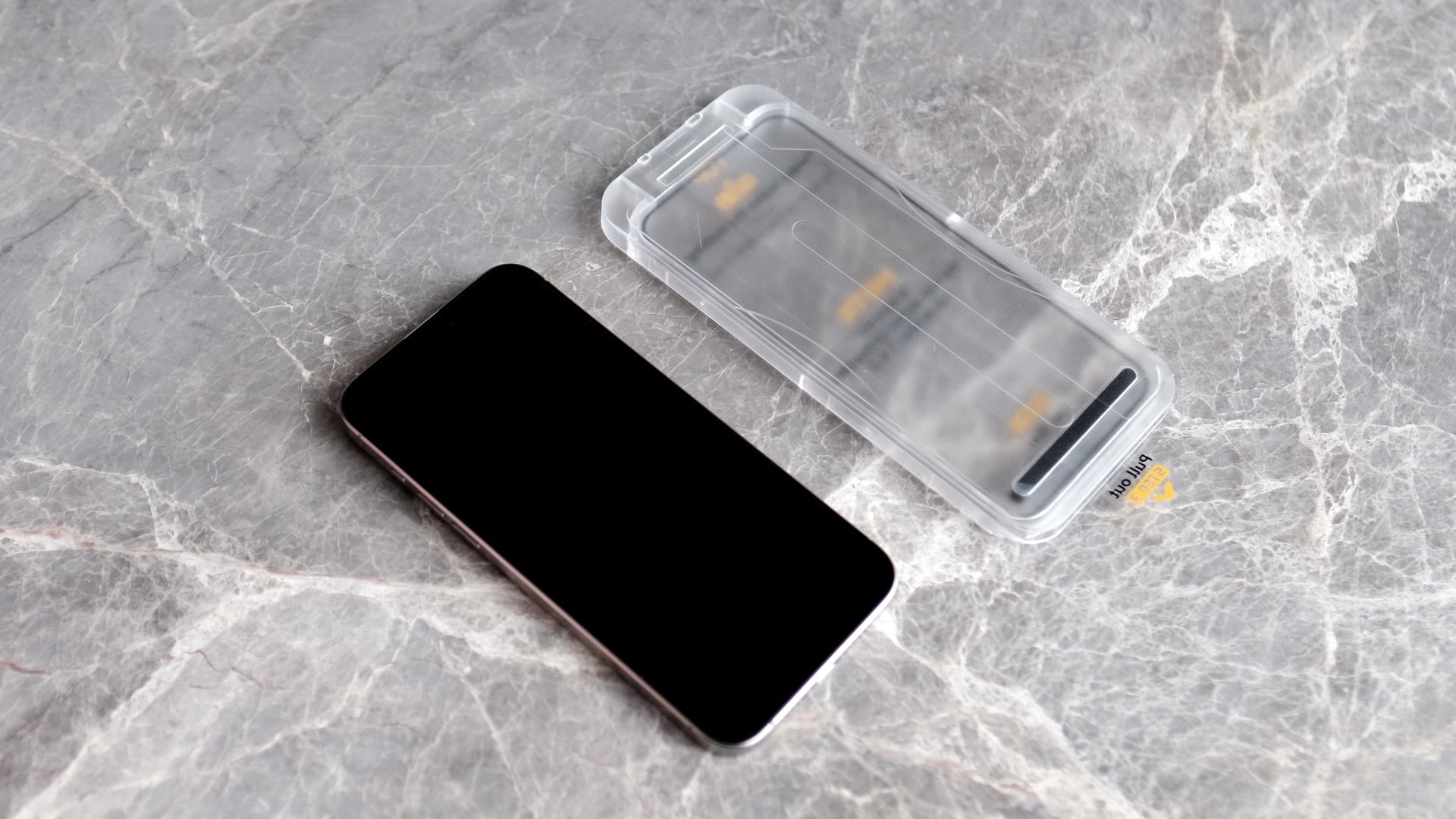
Clear Alignment Tray
Pro Tips:
1. Any bubbles left after installation can be pushed out.
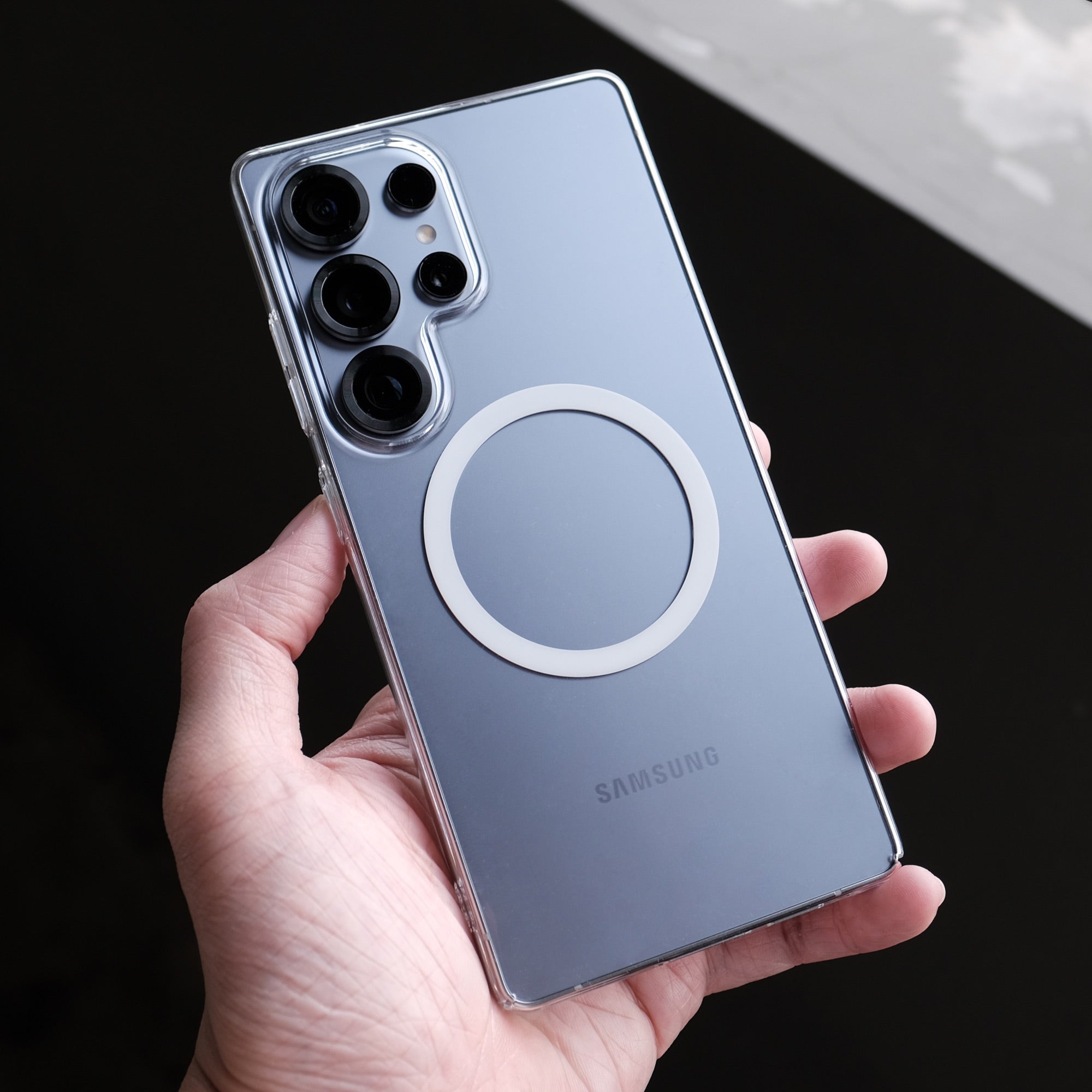
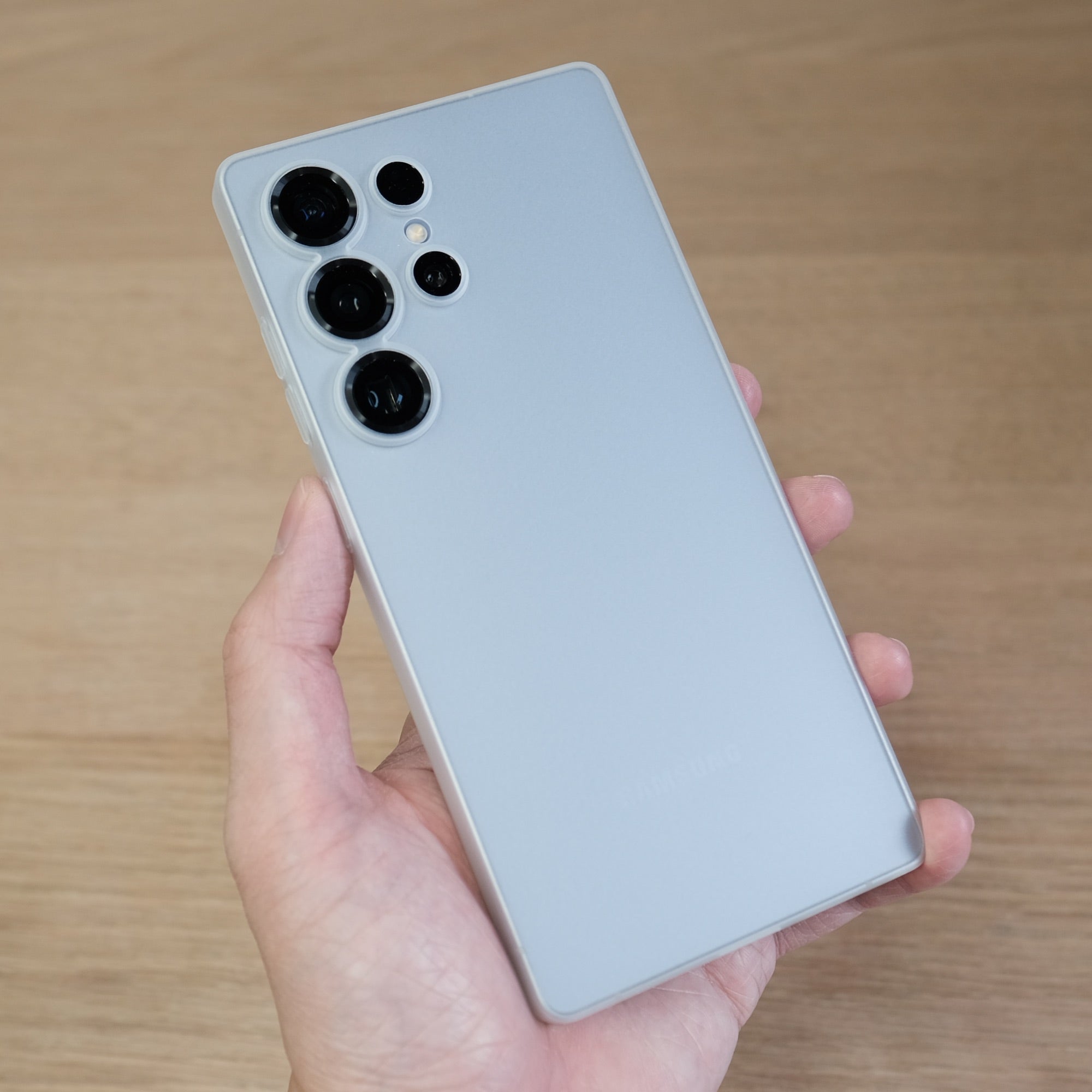
Bare Pane Installation for Samsung:
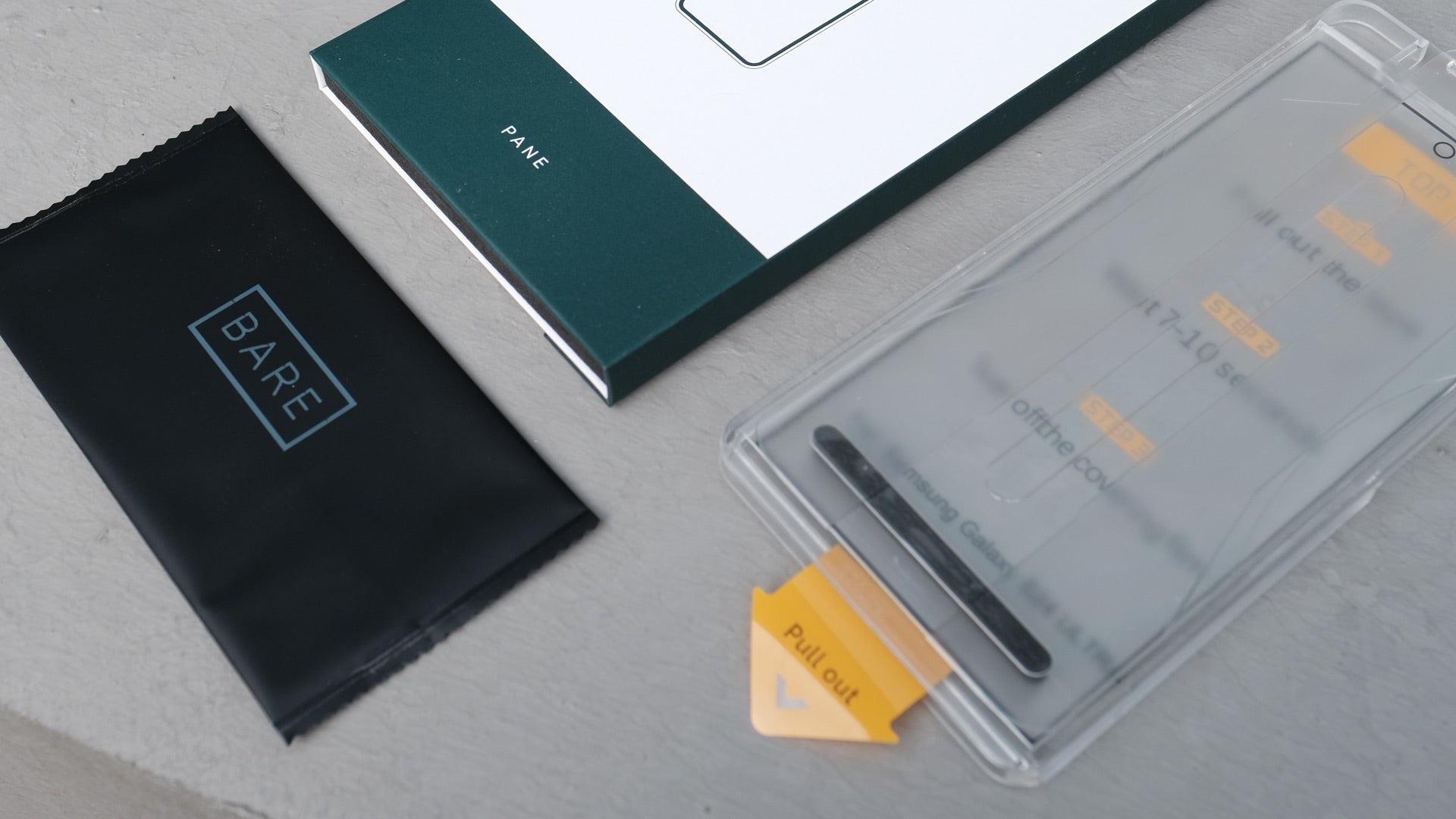
Bare Pane Installation for Samsung Galaxy
for models with alignment tray.
Pro Tips:
1. Do your install in a clean place.
2. Take your time, don't panic.
3. Be patient with bubbles. You can use some force to push them out.
IMPORTANT:
You need to set up your fingerprints again from your device's settings after installation, otherwise fingerprint unlock might not work properly.
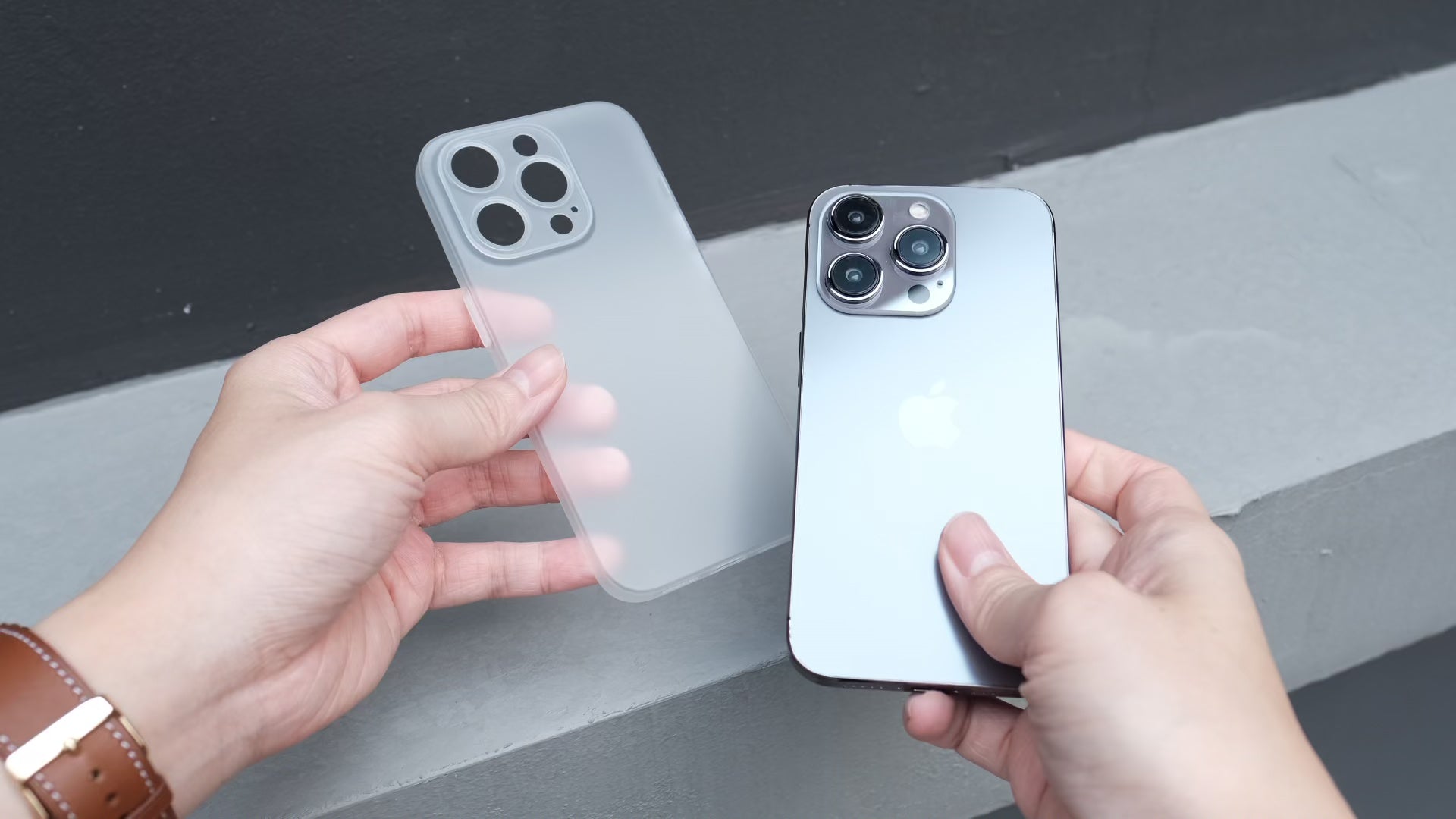
ベアケースのインストール
すべてのケースの着脱にはこの方法を使用してください。
もっと助けが必要ですか?
メールを次の宛先にドロップしてください:
help@bare-cases.com